
Furniture design in 3D has become the universal language of interior designers and manufacturers. It allows visualizing, selling and planning. However, there exists a “valley of death” where many projects fail: the disconnection between the digital model and physical reality.
A spectacular render does not guarantee a functional piece of furniture. In fact, an error of millimeters in the 3D, a texture badly scaled or a theoretical thickness that does not exist in the market can translate into thousands of euros of losses in repetitions and adjustments on site.
In this article we dissect the 10 most critical errors in furniture 3D modeling and the professional keys to correct them before they arrive at the factory.
The trap of "theoretical measures"
Many designers work with round numbers (modules of exact 60cm), forgetting that reality is imperfect.
The Error: Not considering clearances for the opening of doors, ignoring the space that hardware occupies or designing drawers that collide with each other when opening simultaneously.
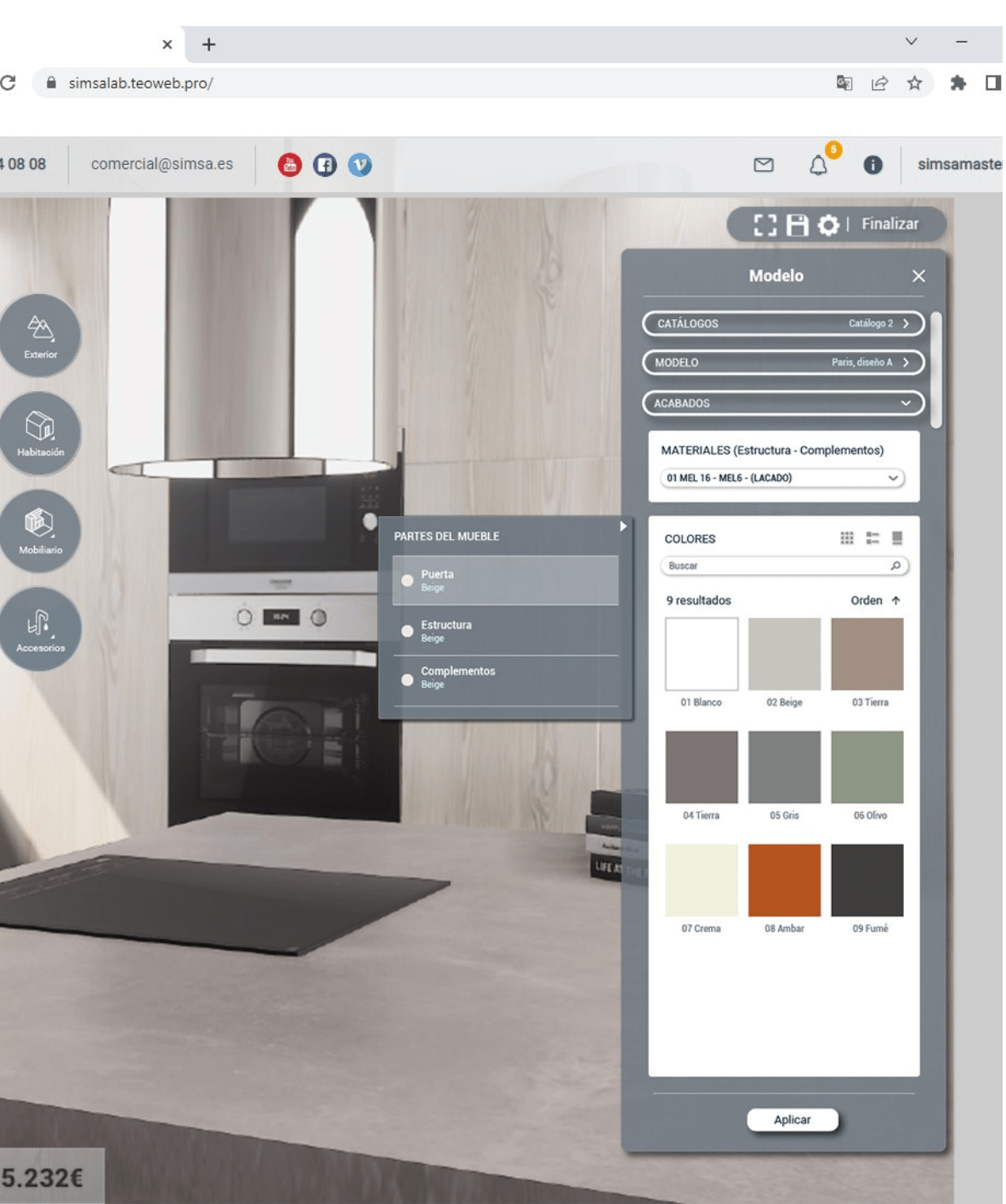
The Professional Solution: Work with parametric libraries. Instead of drawing lines, insert smart objects that already include the rules of the game: separations of 2mm between fronts, setbacks for handles and back clearances for ventilation.
Thicknesses that do not exist in the warehouse
Designing a shelf of 20mm when your supplier only sells board of 19mm seems like a minor detail, but ruins the whole cutting list.
The Error: Modeling with generic volumes without linking them to a real material. This generates misalignments in the joints and hardware problems (the screw goes through the panel).
The Professional Solution: Configure the software with the real catalog of your supplier (16, 18, 19, 30mm). If you change the material in the design, the 3D must automatically recalculate all the measures of the interior pieces.
Forgetting the "Invisible Engineering" (Joints and Hardware)
A piece of furniture is not sustained by magic. If in the 3D there is no space for the hinge, in reality the door will not open.
The Error: Designing fronts glued to the side wall without foreseeing the turn of the hinge or placing drawers where there is a hidden structural beam.
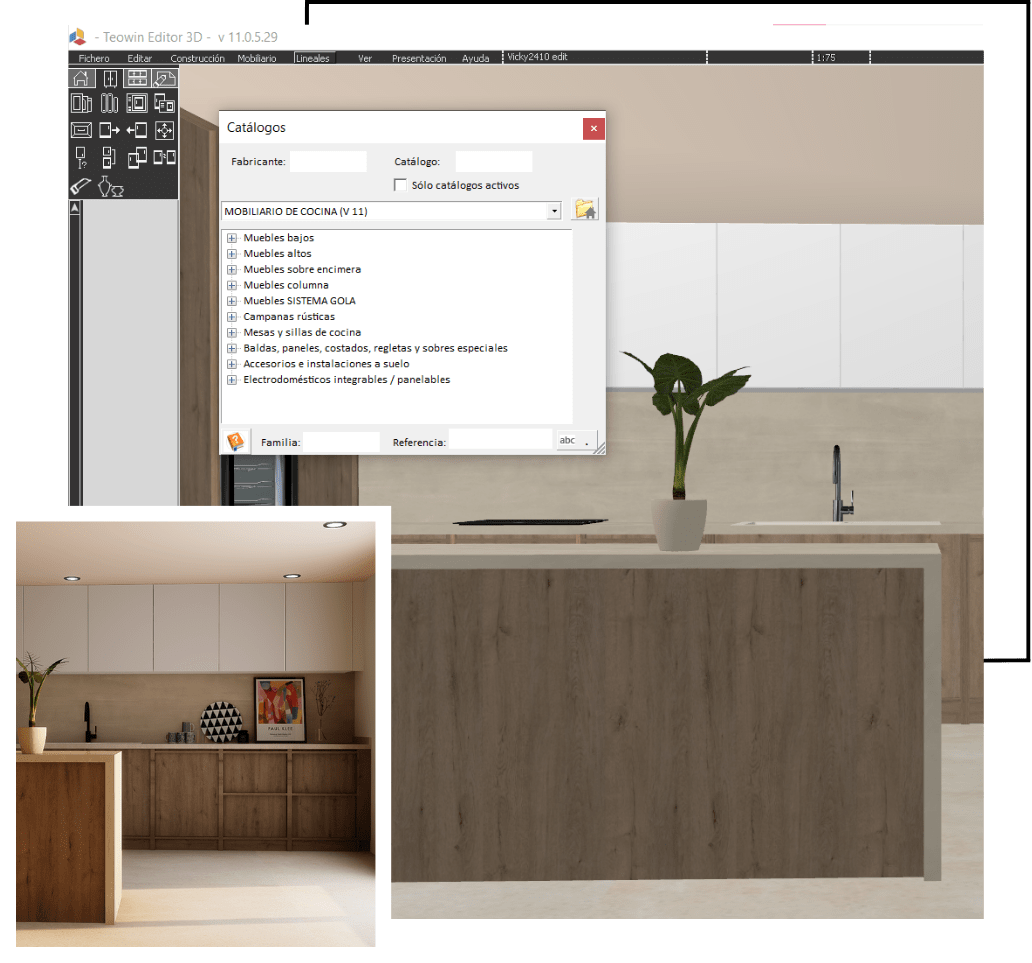
The Professional Solution: Integrate the hardware in the 3D model. Seeing the drill holes, the runners and the legs allows detecting collisions (clash detection) before manufacturing.
The lack of tolerances on site
Paper is flat, walls are not. Assuming that a gap of 200cm will house perfectly a piece of furniture of 200cm is the number one mistake of the rookie.
The Error: Delivering furniture to “exact measure” that force the assemblers to cut and adjust in situ, generating dust and bad image.
The Professional Solution: Design always with adjustment strips and negative tolerances. The software must allow you to define a safety “air” (for example, 15mm per side) that later will be covered with a finishing trim.
Unreal textures = Disappointed clients
The client buys what he sees. If the render shows a continuous and perfect grain, and the furniture arrives with knots and cut grains, there will be a claim.
The Error: Using generic textures badly scaled or mapped without following the direction of manufacturing (horizontal vs. vertical grain).
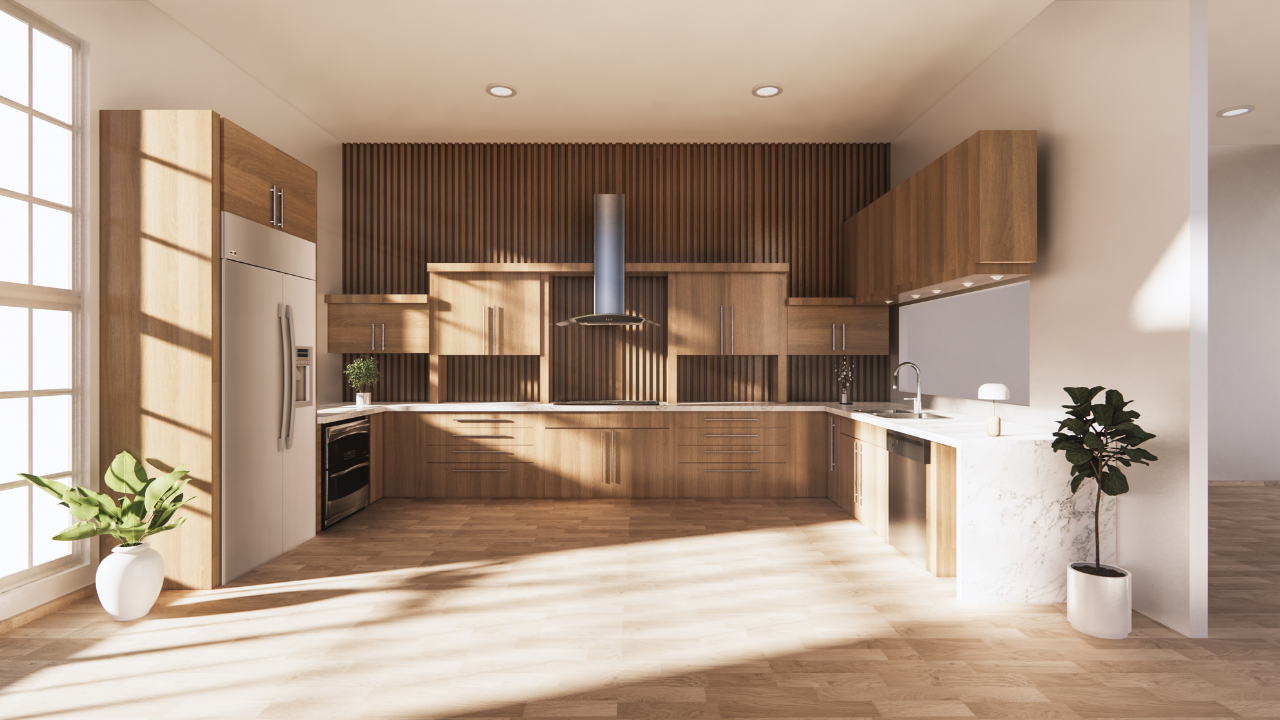
The Professional Solution: Use digitized PBR materials from real suppliers. The direction of the grain in the 3D must be the same that will come out in the cutting list for the machine.
"Heavy" Models and Dirty Geometry
Importing decorative blocks from the internet (vases, lamps) with millions of unnecessary polygons.
The Error: Gigantic files that slow down the computer, make it impossible to work with fluidity and eternalize the rendering times.
The Professional Solution: Use libraries optimized for the furniture sector. A handle does not need 50,000 polygons to look good. The efficiency of the file is key for productivity.
Ignoring the installations
Designing a beautiful kitchen island right on top of where the drain does not reach, or placing an oven where there is no socket.
The Error: Focusing only on the aesthetics of the furniture and forgetting the technical environment.
The Professional Solution: Model the installations (water intakes, light and gas) as restriction volumes in the 3D. If a piece of furniture collides with a socket, the software must warn you.
Failed ergonomics
A piece of furniture can be beautiful but useless.
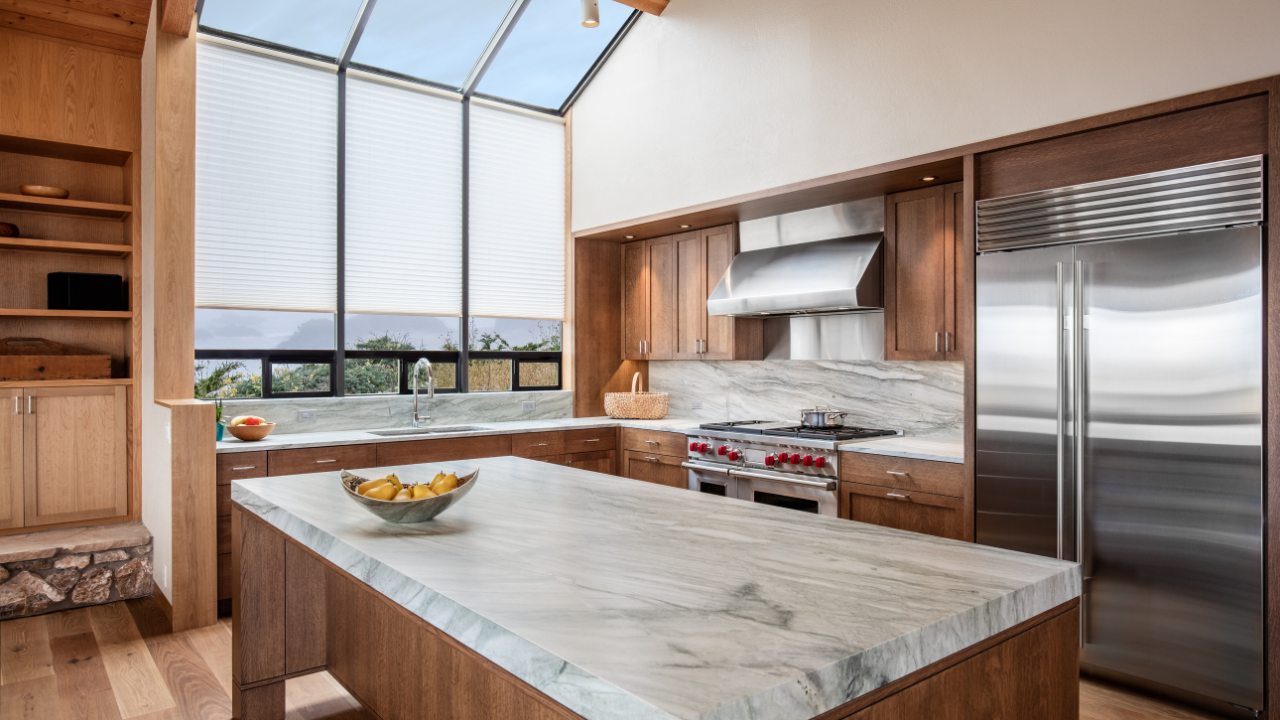
The Error: Countertops too low, high cabinets inaccessible or circulation corridors of less than 90cm.
The Professional Solution: Use virtual mannequins or first-person walkthrough tools to validate that the design is comfortable to use, not just pleasant to see.
The abyss between Design and Manufacturing
Having a 3D approved and having to draw it all again in another program to get the cutting plans.
The Error: The duplicity of work. It is the major source of human errors and loss of billable hours.
The Professional Solution: The Single Data. Use software (like Teowin) where the 3D design is the manufacturing order. Upon finishing the design, the cutting lists, machinings and quotes are already done.

Not validating the final proposal
Sending to produce without the client having really understood the volume or the finish.
The Error: Trusting that the client knows how to interpret a 2D plan.
The Professional Solution: Immersive presentations. Photorealistic renders, 360º panoramas or virtual reality allow the client to “sign” the design with total security of what he is going to receive.
Our professional opinion
3D design is no longer just a sales tool; it is the first phase of manufacturing. For furniture professionals, the key lies in stopping “drawing” to start “building virtually”.
When you use tools that integrate the constructive rules (thicknesses, hardware, machinings) in the design itself, the errors disappear. You pass from selling an approximate idea to selling a viable, profitable technical project and without unpleasant surprises in the assembly.